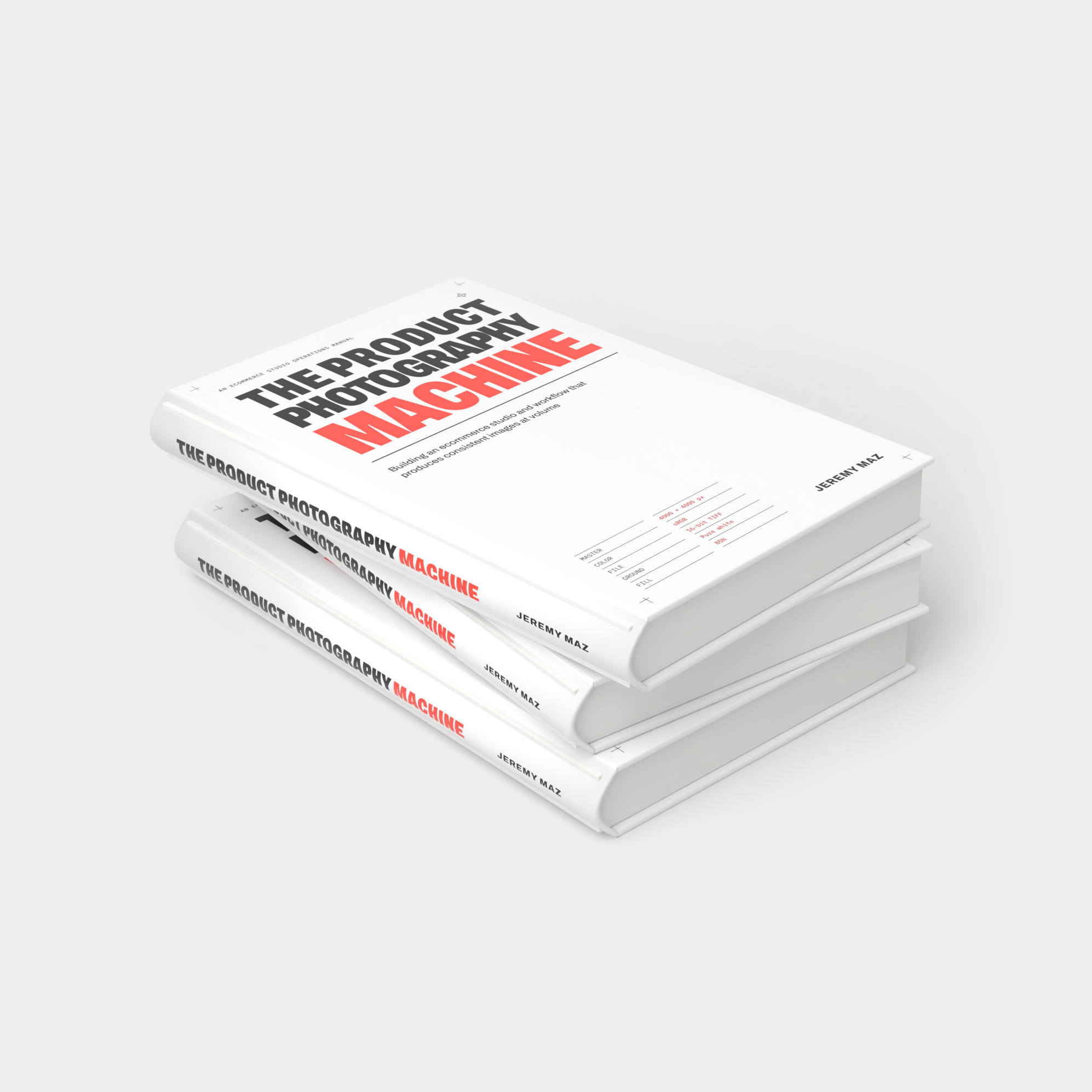
THE PRODUCT
PHOTOGRAPHY
MACHINE
A practical manual for building an ecommerce photography studio and workflow that turns out consistent images at volume, with eight working templates and four automation scripts.
Consistency is an operations problem.
Most photography books teach you to make one great picture. A catalog needs the same light, the same size in the frame, the same color, files named so software can find them, and a version for every channel, on every product, every day.
What decides that isn’t the camera. It’s everything around it: a written definition of done, sets you can rebuild from a page, a naming convention, a check after every product, and software for the steps that follow a rule. That’s the layer this book covers.
Who it’s for
Sellers shooting their own products. So the store looks like one brand, not forty separate afternoons.
Photographers building or running an in-house studio. Where volume and consistency matter more than any single image.
Studio leads scaling up. Who need a process that doesn’t depend on one person remembering how it’s done.
Three sizes of studio
Solo · 10–25 products a day · under $3,500 to start
Studio · 35–80 products a day · $10,000–30,000
Production · 150+ products a day · $75,000+
Volumes vary a lot by product. Chapter 2 helps you find yours, and tells you when hiring a studio makes more sense than building one.
What’s inside the book
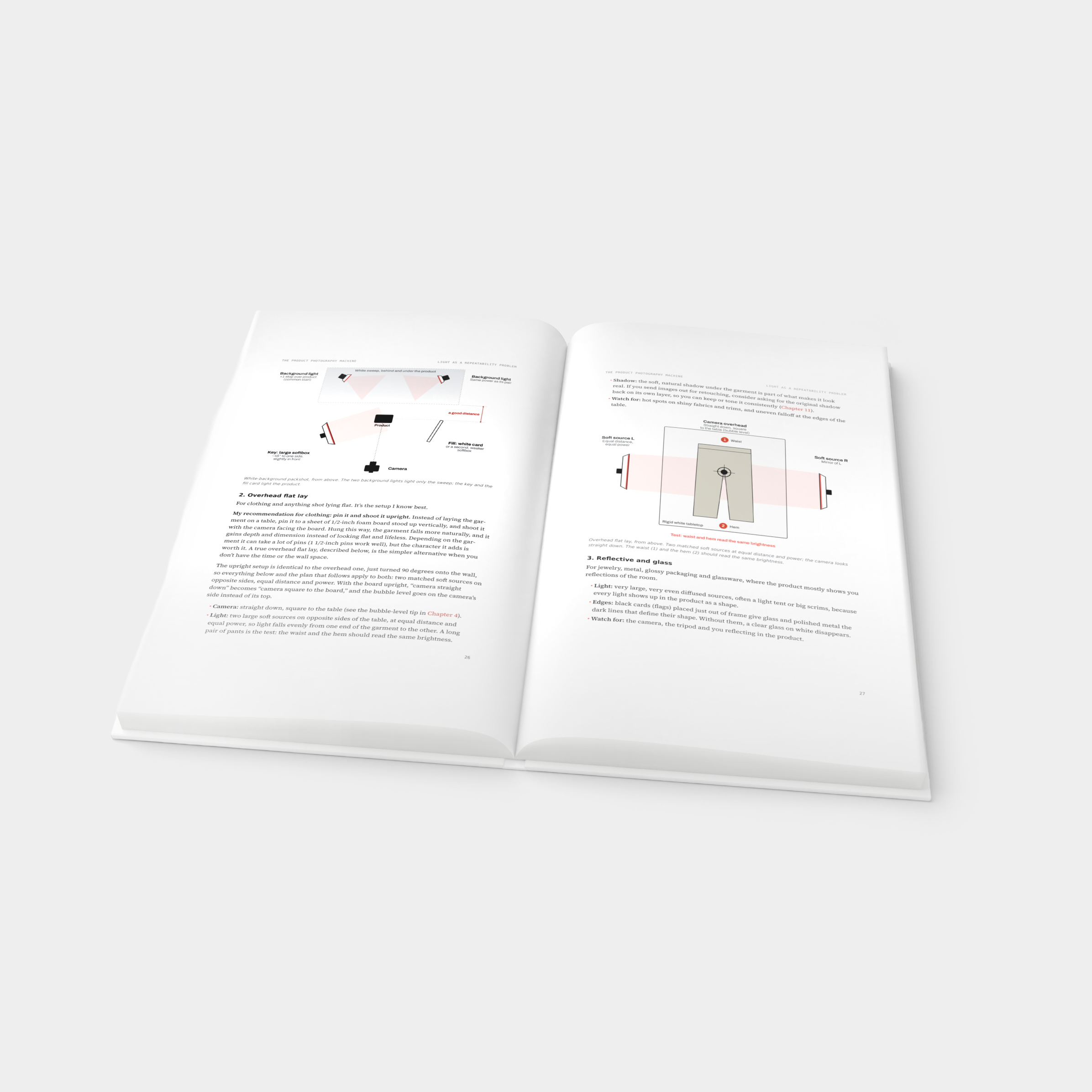
14 chapters in four parts
-
What “done” means for your images, which scale you’re building, and where the files live and how they’re backed up.
-
Space, light, camera and color, set up so the hundredth frame matches the first.
-
The naming contract, tethered capture, the shot list and shoot day, and QC before anything leaves the room.
-
The pipeline, batch versions for every channel, and delivery.
-
AI, handled honestly, including the disclosure rules; a 90-day plan for building a studio from scratch; and image requirements for Amazon, Google, eBay, Etsy and Shopify, checked September 2026.
The template pack
8 templates · 4 scripts · included
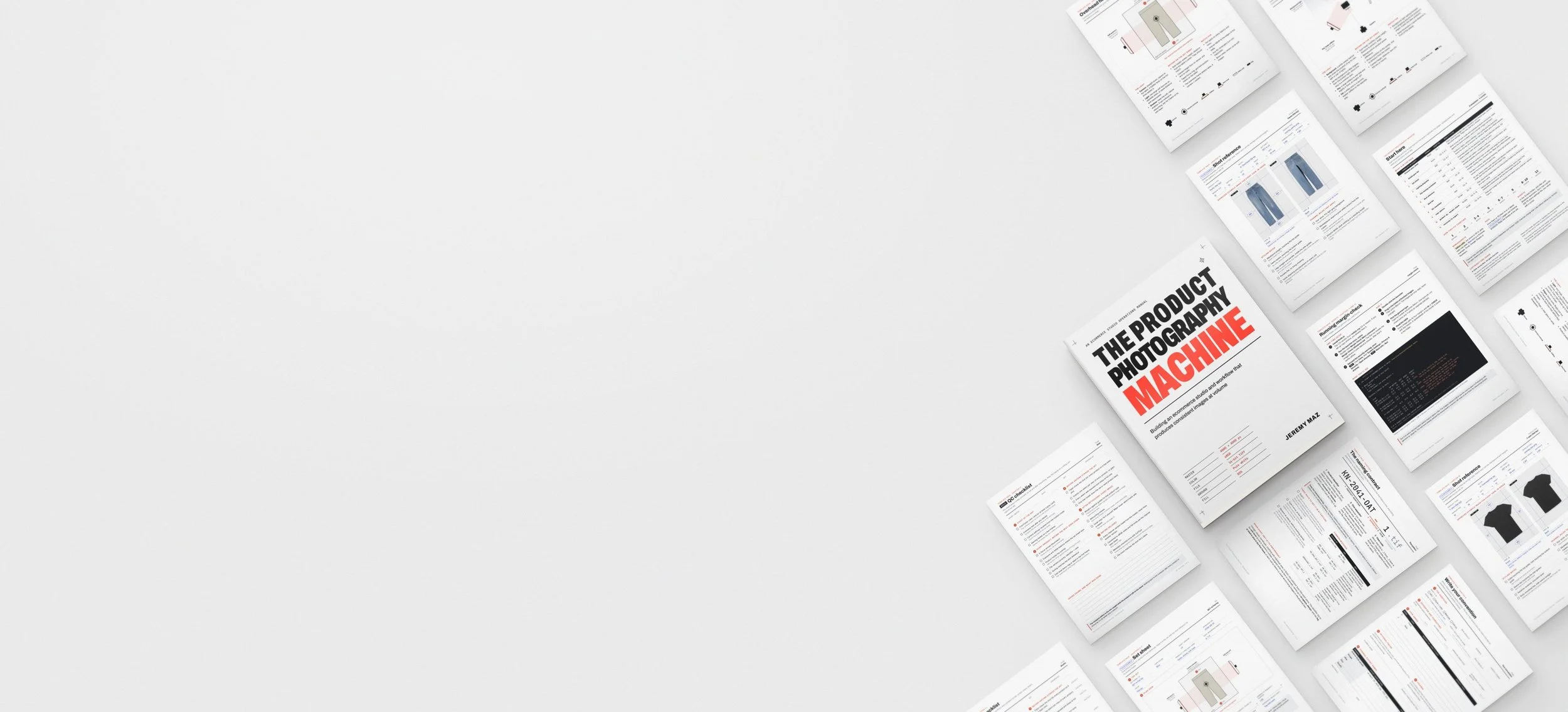
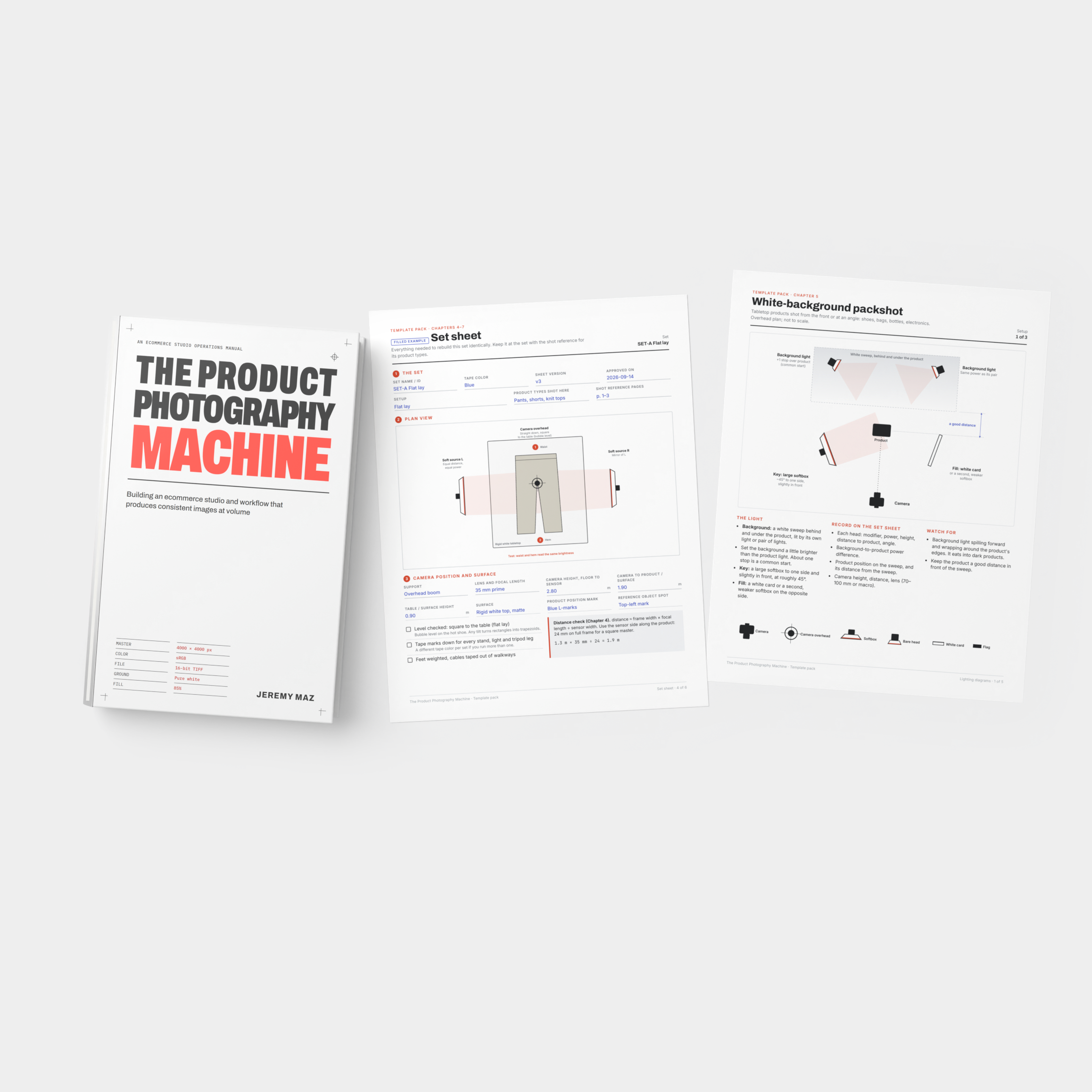
Templates, as spreadsheets and printable Letter PDFs: a channel spec sheet with the date each rule was checked, a studio gear list with costs for each scale, a set sheet, lighting diagrams, a file naming worksheet, a shot reference, a shot list with sample tracking, and QC checklists.
Scripts for Mac and Windows, each with a PDF guide: copy-photos files retouched images back into their product folders; garment-qc places your margin guides on every open file in Photoshop; margin-check measures every image’s margins against your spec; resizing-to-export pads to your margins and exports every channel’s version.
Settings live in editable files, so you change margins and channel sizes without touching code.
About the authorJeremy Maz
Jeremy Maz is a studio photographer with more than ten years of experience shooting ecommerce product photography, from single-product packshots and on-figure apparel to high-volume flat lays. He holds a BFA in Photography and Imaging from ArtCenter College of Design in Pasadena, California.
Frequently Asked Questions
-
PDF and EPUB, 72 pages. You get both, plus the template pack, in one download.
-
No. It’s vendor-neutral. The gear list uses example products so you can price a build, and you can swap in your own.
-
copy-photos, margin-check and resizing-to-export run on Mac or Windows with the free Node.js; double-click launchers are included. garment-qc runs inside Adobe Photoshop. Each script has a step-by-step PDF guide.
-
Yes. They’re licensed for your own studio or business, including client work, and you can share filled-in copies with your crew and clients. Please don’t resell or give away the blank templates or the book.
-
Yes. If you’re starting from nothing, read it front to back. If you already run a studio, go straight to the chapter that matches your problem; each one stands on its own.
-
Yes, coming soon to Amazon. The Kindle edition is the book only; the template pack and scripts come only with the edition sold here.
-
Downloads are final sales, but if a file is damaged or won’t open, email hello@productphotomachine.com within 30 days and we’ll send a working copy or refund you in full.